DFB: Transfer and Proof
First, connect your DFB account with a working proxy group and refresh its tickets.
1. Select tickets
Open My Tickets → your event. Select eligible DFB tickets from the same account and event, then choose Actions → Transfer.
2. Send the transfer
Enter the recipient's DFB Event-App email, then click Transfer tickets. Enter your Tikey Master Password if prompted.
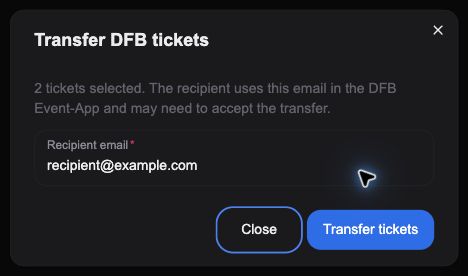
Awaiting acceptance means the recipient still needs to accept in the DFB Event-App. Refresh the account to update the status. Use Actions → Recall to cancel an eligible pending transfer.
3. Download the proof
Select one ticket marked Awaiting acceptance, then open Actions → Transfer proof under Sharing & Downloads.
Check the recipient and ticket. Choose Create PNG, Create JPEG, or Custom crop.
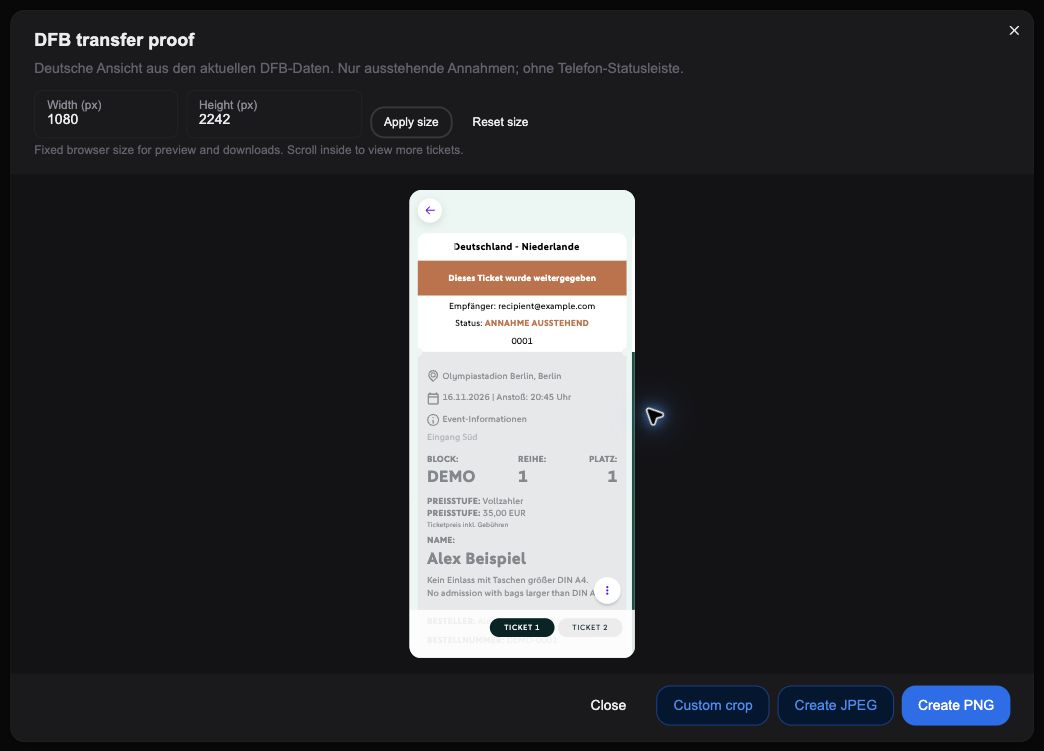
The German proof shows ANNAHME AUSSTEHEND (awaiting acceptance). It does not confirm acceptance or send a transfer.
Screenshots use fictional names, emails, references, and seats.