Refresh AXS or Ticketmaster
Connected AXS / TM account
          ↓ Refresh
Tickets imported or updated in My Tickets
          ↓
In account  |  Listed  |  Sold
The refresh imports or updates tickets held in the account. When AXS Resale or Ticketmaster Resale returns complete resale information, Tikey Manager can also show the connected ticket as Listed or Sold.
Refresh the account
- Open Inventory → My Tickets and click Refresh.
- Expand AXS or Ticketmaster.
- Choose one option:
| Choose | Result |
|---|---|
| One account | Refreshes only that account |
| Refresh All beside AXS | Refreshes every AXS account, one after another |
| Refresh All beside Ticketmaster | Refreshes every Ticketmaster account, one after another |
Refresh All is provider-specific. It never refreshes AXS and Ticketmaster together. Click once and wait for it to finish. If one ticket still looks stale afterward, refresh that specific account once more.
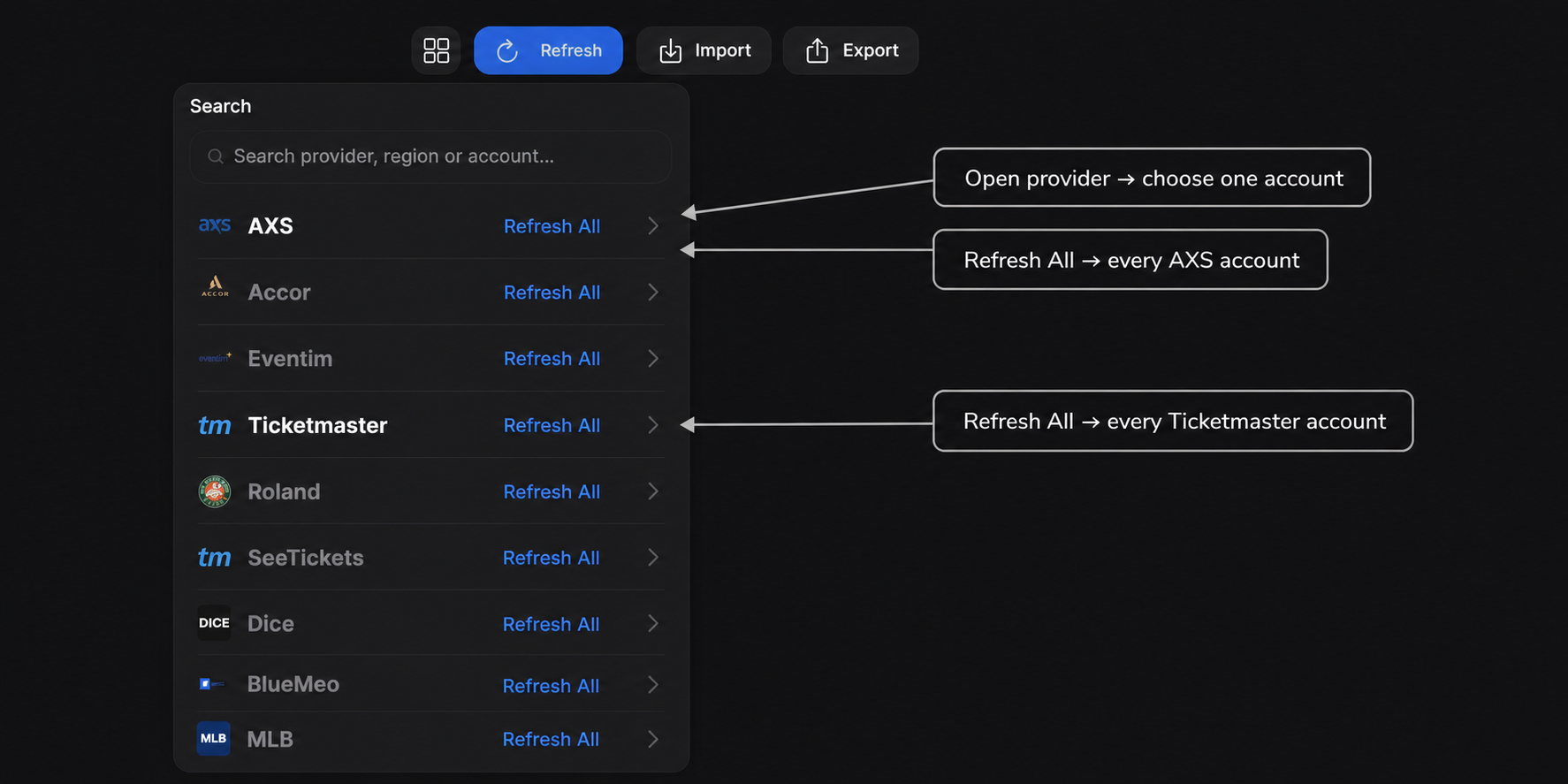
Open a provider to choose one account. Refresh All refreshes every account from that provider only—AXS and Ticketmaster remain separate.
What appears afterward
- A ticket held in the account appears normally in My Tickets.
- A resale listing can appear as Listed.
- A completed resale can appear as Sold, with sale information when the provider returns it.
AXS/TM information comes directly from My Tickets → Refresh. Do not use My Listings or Associate listing.
Refresh before entering a manual AXS/TM record. Otherwise, a later refresh may show both the manual fallback and the real connected information.
Refreshing does not publish or edit anything on AXS or Ticketmaster.
For Viagogo, StubHub, Ticombo, or GigsBerg, use Associate a reseller listing.
Ready to sell eligible AXS tickets? Follow Sell tickets on AXS to set up payouts, preview fees and create the listing.